Core Capabilities
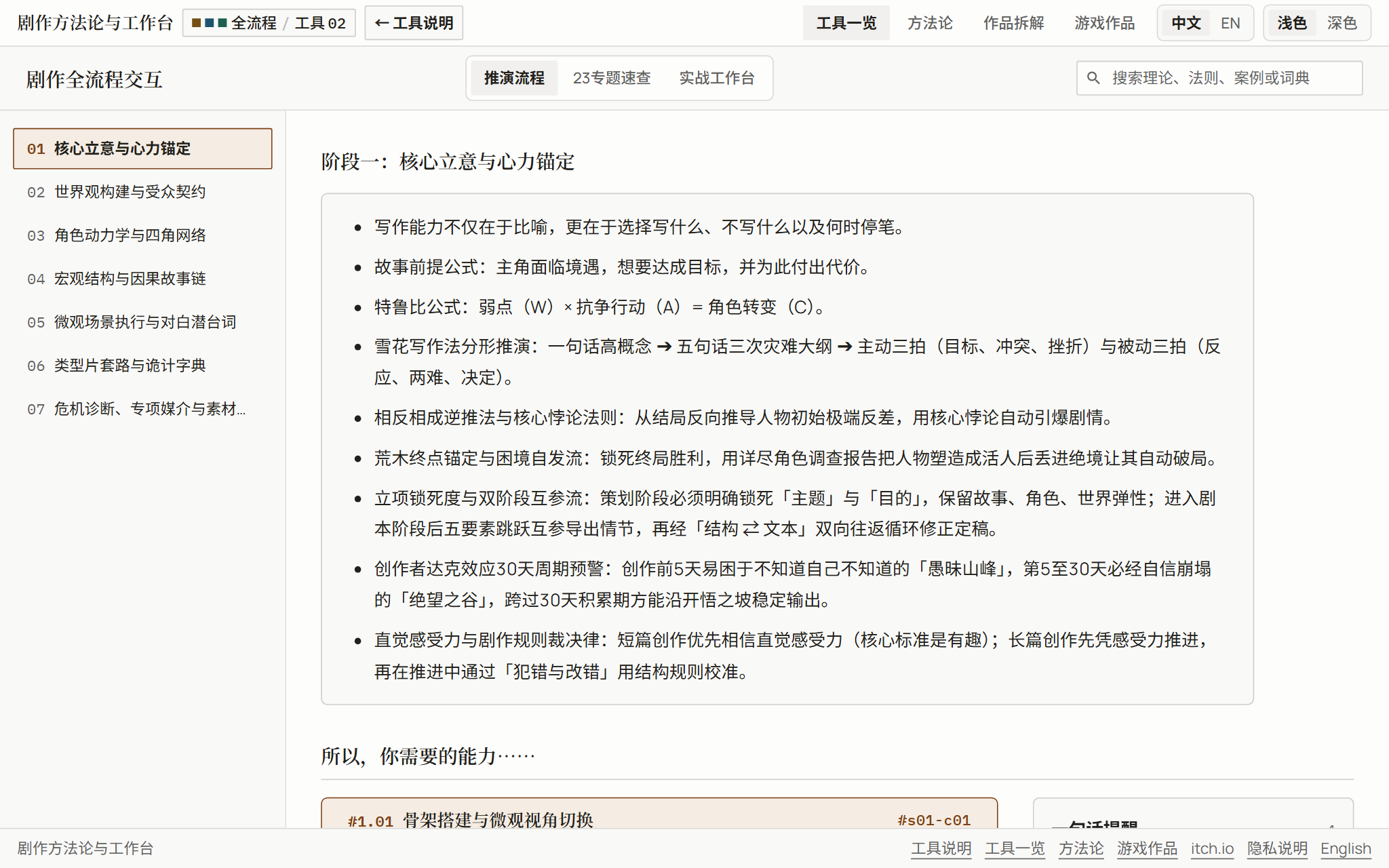
- 7-stage guided progression from core premise and audience contract to character opposition and crisis diagnostics. #stage-1
- 23 indexed reference topics (135 cards, 152 reminders) with stable anchors such as #s10-c06 and instant full-text search. #s10-c06
- Interactive 8-Element Matrix and McKee Value Square workbenches for mapping stakes and four-corner value polarity. #tool-value-square
- Snowflake beat builder, NOF stall diagnostic, multi-axis trope dictionary, and Araki character survey. #tool-snowflake
Underlying Methodology
Operationalizes the three methodology essays into interactive forms: the Value Square maps four-corner polarity, NOF diagnostics target the three emotional pathologies, and dialogue cards enforce pressure-driven exposition.
Theoretical References
- Robert McKee, Story (Value Square & Gap)
- John Truby, The Anatomy of Story (Weakness, Need & Four-Corner Opposition)
- Randy Ingermanson, Snowflake Method & Proactive/Reactive Scene Beats
- NOF (Need / Obstacle / Friction) Scene Diagnostics
- Georges Polti, The Thirty-Six Dramatic Situations
- Hirohiko Araki, Manga in Theory and Practice (Character Survey)
Getting Started in Three Steps
- Start in the Pipeline view or open the Studio tab to map your premise in the Value Square and Snowflake modules.
- Jump to any specific topic card via search or deep links from the Story Production Map when a scene stalls.
- Export completed workbenches as Markdown files or PNG sheets for your project notes.